
Itamar Katan
HomeProjects Chat
Pixel Poke iconCase study · Chrome extension

Edit any website
like a design file.

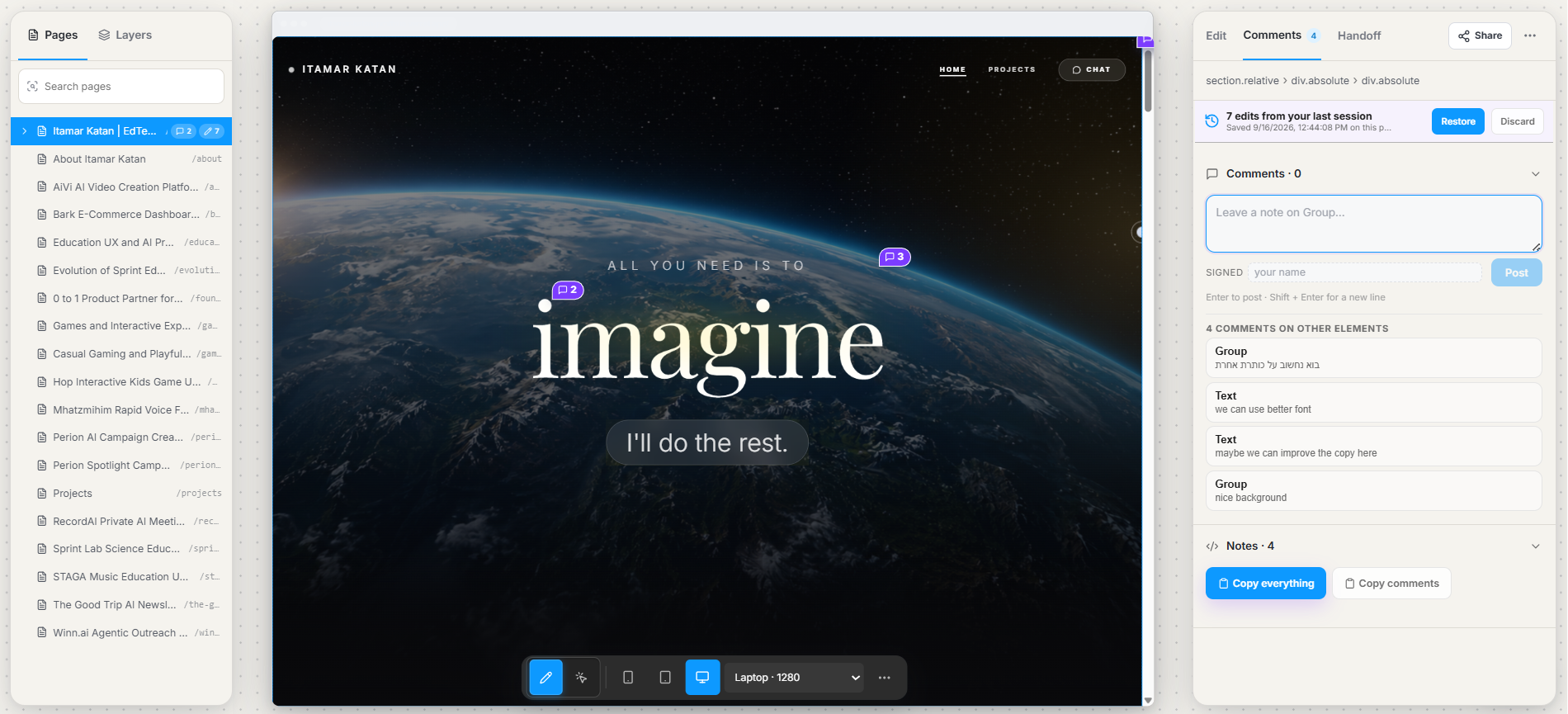
Pixel Poke is a Chrome extension I designed and built. Click anything on a live website, tweak it the way you would in Figma, leave a note on it, and hand the developer real CSS instead of a screenshot with arrows.

Add to Chrome Live in the Chrome Web Store
Role
Design + build, solo
Timeline
Aug – Sep 2026
Platform
Chrome MV3 + React
Launched
20 Sep 2026
Pixel Poke panel open over a live webpage
The short answer

Fix it where you see it.

No rebuilding the page in Figma. No circling a stale screenshot. You work on the real page, and Pixel Poke quietly keeps track of what you changed, why you changed it, and any accessibility issue you spotted along the way.

When you're done, the whole session becomes one handoff a developer can read in a minute and paste from.

The problem

A two-minute tweak turns into a game of telephone.

You spot it: the button color is off, the heading is too heavy, the card feels cramped. You fix it in DevTools, explain it in Slack, and send a screenshot with an arrow.

Then a developer opens the page and reverse-engineers what you meant. I wanted the change, the reason and the result to live together, in something a developer can paste instead of decode.

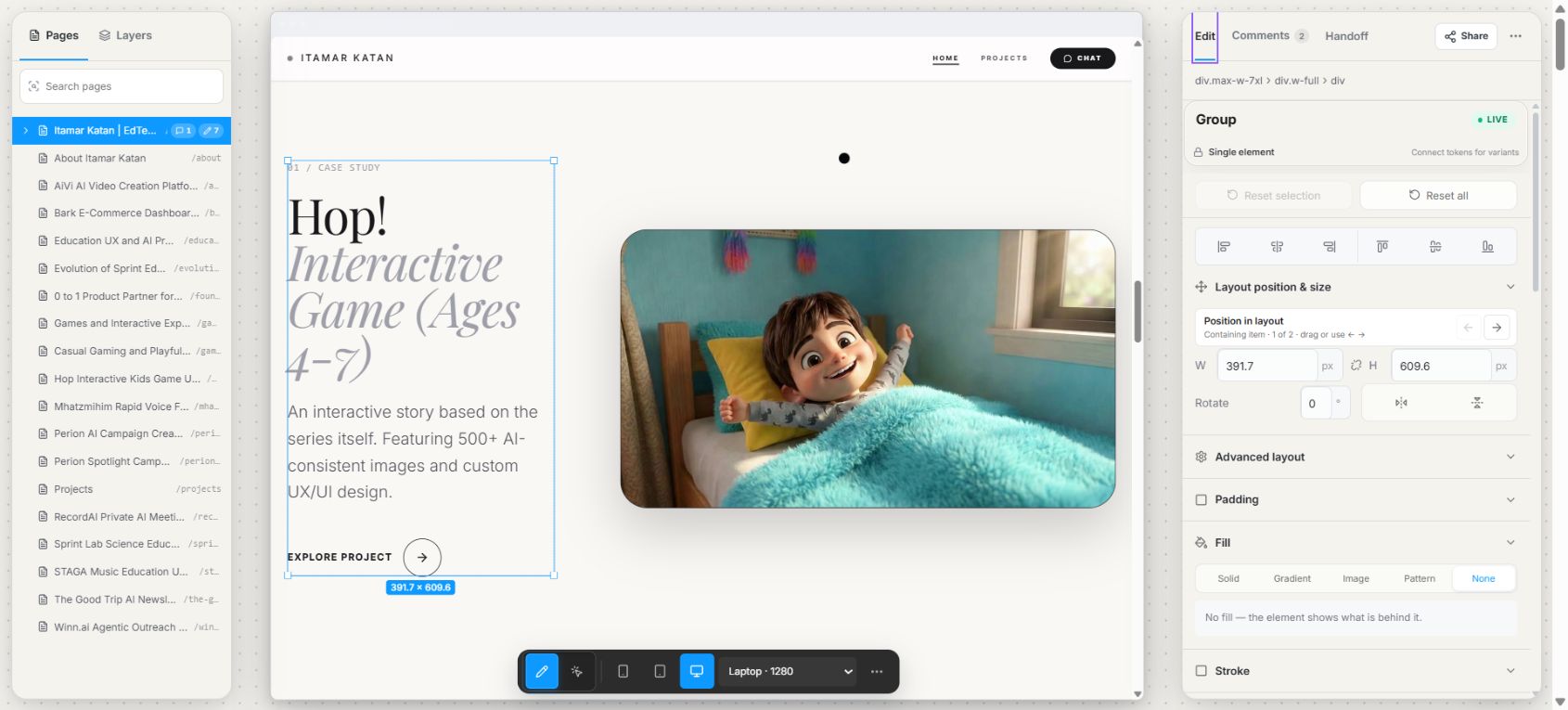
Pixel Poke editing a selected element on a live page
The product idea

Use the live page as the canvas.

Click an element and move it the way your hands already know: drag, resize, snap, nudge, duplicate, hide, undo. Because it is a real DOM element, every change is recorded as CSS on the spot - nothing to translate later.

01

Select and visually edit any element on a live page.

02

Pin comments and accessibility findings to the exact element.

03

Export changed CSS and rationale as one handoff grouped by element.

Design decisions

Four decisions that shaped the product.

01

Show only controls that can act on the selection.

The first version exposed a long list of CSS properties. I rebuilt the panel in the order designers know from Figma, then made sections conditional. Auto layout appears for flex and grid elements; text controls appear only when the selection contains text.
02

Translate canvas gestures into DOM-aware behavior.

A webpage is not a freeform canvas. Dragging inside flex or grid changes order, while a positioned element moves through left and top. The gesture stays familiar; the implementation fits the layout model underneath it.

03

Attach notes to resilient element identities.

A raw selector can break after a deploy. Each note also remembers the tag, text, stable classes and nearest named ancestor, then searches again if the old selector stops matching.

04

Organize the handoff by element, not data type.

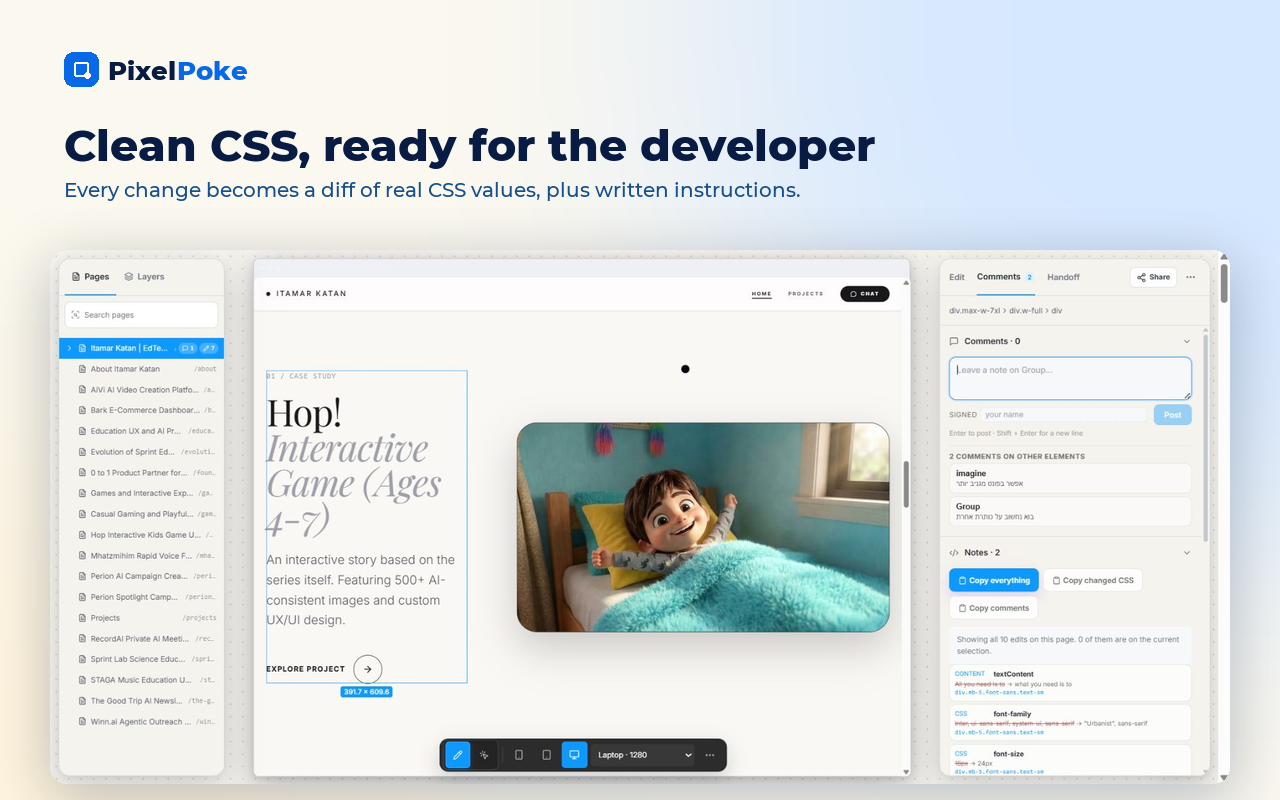
The first export split CSS, comments and accessibility findings into three lists. The final handoff puts the note, before-and-after CSS and accessibility issue together under the element they belong to.

How it works

One interface, two delivery modes.

The inspector is built in React and TypeScript. The Manifest V3 extension injects the same component that ships as a React package for teams that want the experience inside their own app.

The panel mounts in a shadow root, isolating it from aggressive site CSS. It detects when a page uses !important and produces an override that reproduces the visible change.

Notes and edits are local-first. Optional sign-in can sync a user's own notes, edits and handoffs. Without sign-in, working data stays on the device. Page content is not sent for analytics.

Pixel Poke handoff grouped by selected element
What shipped

Live in the Chrome Web Store.

Pixel Poke launched in the Chrome Web Store on 20 September 2026 after a solo design-and-build cycle from August through September. It includes the extension, a live product site and a reusable React version of the inspector.

The next credible outcome data should come from the store and the product itself: installs, active users, completed handoffs, copied CSS exports, returning users and a before-and-after handoff-time study. Until those figures are verified, the honest outcome is what shipped and how it works.

Install Pixel Poke Product site
Questions people ask

Pixel Poke, clearly.

What is Pixel Poke?

A Chrome extension that lets product designers visually edit live webpages and export implementation-ready CSS, comments and accessibility findings.

Who is it for?

Designers reviewing production, staging or competitor webpages, and developers who need a concrete handoff instead of annotated screenshots.

Does it change the website's source code?

No. It changes the current browser view for the working session. Reloading restores the original page.

Is it a replacement for Figma?

No. It is built for the last mile on a real, already-rendered webpage: inspect, adjust, explain and hand off.

What does it export?

CSS changes grouped by selector, with related comments and accessibility findings organized by element. The handoff can be copied as Markdown.

Want to see more builds?

Back to Projects